Master Commercial CCTV Installation: A Step-by-Step Approach


Last updated: 1 October 2026
Quick answer: Commercial CCTV installation follows nine stages — tool preparation, site assessment, camera placement planning, mounting, cabling, system connection, power-up testing, staff training and legal compliance — followed by ongoing maintenance. A complete surveillance camera kit in the UK typically costs between £300 and £3,500, and installations must comply with the Data Protection Act 2018 and UK GDPR.
Key Takeaways
- A professional-grade power drill for CCTV installation typically costs £50–£150 in the UK, while a complete surveillance camera kit ranges from £300 to £3,500 depending on features and camera count.
- Commercial CCTV installations in the UK must comply with the Data Protection Act 2018 and the UK GDPR, including clear signage and justified use of surveillance, usually documented through a Data Protection Impact Assessment (DPIA).
- Priority First protects over £1.6 billion in client assets across construction, commercial, luxury retail, hotel and residential estate sectors, as published in the Estates Gazette advertisement feature of 1 November 2025.
- Common camera types for commercial sites include bullet, dome, turret, PTZ (pan-tilt-zoom), fisheye and doorbell cameras, each suited to different coverage needs and environments.
- Regular inspection, lens cleaning, firmware updates and backup power testing are the core maintenance tasks that keep a CCTV system reliable after installation.
Overview
Commercial CCTV installation is a structured security measure that combines physical camera deployment with cabling, recording infrastructure and legal compliance to protect business premises. Poor planning or a rushed installation can leave blind spots, generate footage that is unusable as evidence, or breach data protection law — all of which carry financial, operational and reputational consequences for a business.
A well-planned CCTV system, properly maintained, supports deterrence and gives a business usable evidence if an incident occurs. This guide sets out a systematic approach to installation: the tools required, the step-by-step process, how to test and validate the finished system, and the long-term maintenance needed to keep it performing and compliant.
What Is Commercial CCTV Installation?
Commercial CCTV installation is the process of planning, fitting and configuring a closed-circuit television system across a business premises so that cameras, cabling and a recording unit work together as a single, legally compliant surveillance network. It differs from a domestic setup mainly in scale and governance: commercial systems typically cover multiple entry points and zones, feed a shared CCTV monitoring platform, and must meet data protection obligations that apply specifically to businesses monitoring staff, visitors or the public.
The installation sits inside a wider lifecycle rather than being a one-off task: preparation (sourcing the right equipment), execution (site survey, placement, mounting, cabling, connection), validation (testing angles, recording quality, connectivity and legal compliance) and ongoing maintenance (inspections, firmware updates, footage review). Each stage is covered in turn below.
Prepare for CCTV Installation: Essential Tools and Equipment
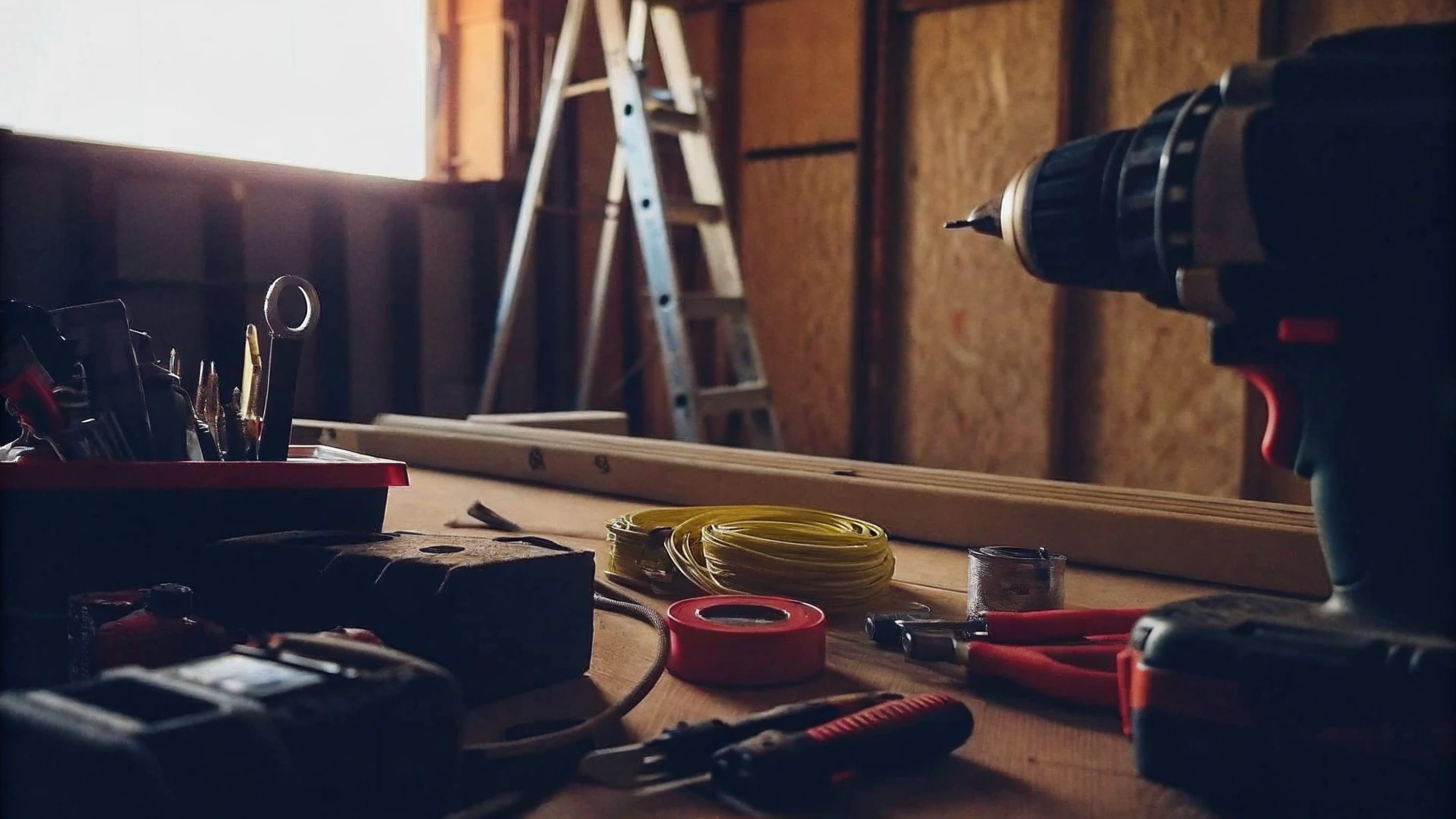
A commercial CCTV installation requires a defined set of tools before work begins: a power drill, screwdrivers, a ladder, a measuring tape, cable strippers, fish tape, a level, and a complete surveillance kit comprising cameras, a DVR or NVR, cables and connectors. A DVR (digital video recorder) processes analogue camera feeds, while an NVR (network video recorder) processes digital feeds from IP cameras over a network; most modern commercial installations use an NVR.
The power drill is used to drill fixing holes for camera mounts and to run cable routes. A set of flathead and Phillips screwdrivers fastens mounts and terminal connections. A ladder provides safe access to elevated installation points, and a measuring tape ensures devices are positioned precisely enough to maximise coverage and avoid blind spots. Cable strippers prepare cable ends for solid connections, and fish tape threads cabling through walls or ceilings for a tidy, damage-resistant run. A spirit level confirms each camera is mounted straight, which affects both the professional appearance of the installation and the usability of the recorded image.
Before work starts, check that every tool is in good working order to avoid interruptions partway through the job. Tool and equipment costs in the UK vary with quality and specification: a professional-grade power drill typically costs £50 to £150, and a complete surveillance camera kit — covering cameras, recorder, cables and connectors — typically ranges from £300 to £3,500 depending on the number of cameras, resolution and features included.
Regular maintenance and firmware updates are essential for keeping cameras performing reliably over their working life, and this is addressed in detail in the long-term maintenance section below. Construction site managers in particular should be aware that CCTV use must be registered and justified under UK data protection law, covered later in the compliance section. Having the right tools to hand before the installation begins streamlines the process and reduces the risk of a poorly fitted system.
Execute the Installation: Step-by-Step Process
A commercial CCTV installation follows nine sequential steps, starting with a site assessment and ending with ongoing maintenance planning. Each step addresses a specific risk: skipping the site assessment risks blind spots, and skipping legal compliance risks fines under UK data protection law.
- Conduct a site assessment: Survey the site to identify areas requiring monitoring, with particular attention to entry points and high-risk zones. This initial assessment identifies vulnerabilities and informs comprehensive coverage planning — a key part of an integrated building management and security approach.
- Plan surveillance device placement: Determine optimal camera locations to eliminate blind spots and maximise monitoring effectiveness, accounting for lighting conditions and potential obstructions. Select device types to match the need: bullet, dome, turret, PTZ (pan-tilt-zoom), fisheye and doorbell cameras each suit different fields of view and environments.
- Install the devices: Use a power drill to fasten mounts securely at the designated locations. Each device should be level and firmly fixed to withstand environmental conditions, particularly outdoors.
- Run the cables: Use fish tape to route cables through walls or ceilings, connecting each device to the DVR/NVR. Proper cable management keeps the installation tidy and prevents damage; humidity and vibration are both environmental factors that can affect cable performance over time.
- Connect the system: Link cameras to the DVR/NVR, ensuring every connection is secure and insulated against interference. This step determines the overall reliability of the system, and integrating CCTV with an existing security setup — alarms, access control, manned guarding — strengthens overall site protection.
- Power up the equipment: Connect the DVR/NVR to a power source and switch it on. Run functionality checks to confirm every camera is operational and correctly positioned.
- Train personnel: Ensure designated staff understand how to operate the surveillance equipment, including footage review and system alerts. Staff training is essential to realising the system's full value.
- Confirm legal compliance: Meet UK legal requirements, including notifying individuals that CCTV is in operation through visible signage, before the system goes live.
- Plan ongoing assistance and maintenance: Set a schedule for routine maintenance so that potential issues are identified early rather than discovered during an incident.
Following this sequence establishes a surveillance network capable of delivering consistent coverage and usable evidence when needed.
Test and Validate: Ensure Compliance and Functionality
Testing and validation confirm that a newly installed CCTV system actually covers the intended areas, records usable footage, and meets UK data protection obligations before it is relied upon for security. This stage has five components: angle checks, recording tests, connectivity checks, a compliance review, and settings adjustment.
- Check angles: Confirm each device covers its intended area without obstruction.
- Test recording functionality: Verify the DVR/NVR is recording correctly, and review footage for clarity across all critical areas.
- Inspect connectivity: Confirm all cameras are properly connected to the network and that any remote access functions work as intended.
- Conduct a compliance check: Review the installation against the Data Protection Act 2018 and UK GDPR. This includes displaying clear signage that CCTV is in operation and ensuring recorded footage is protected by appropriate data security measures. Businesses operating CCTV that monitors staff, visitors or the public are generally expected to complete a Data Protection Impact Assessment (DPIA) — a documented assessment, required under UK GDPR, that justifies the surveillance and records how the data will be handled — to demonstrate the use of the system is proportionate and justified.
- Adjust settings: Fine-tune motion detection sensitivity and recording schedules to match the specific security needs of the site.
Compliance with the Data Protection Act 2018 and UK GDPR is not optional for a commercial operator: failure to adhere can lead to fines and reputational damage, which is why the compliance check should happen before the system is treated as fully operational, not after. Footage retention periods vary by organisation and purpose, but many businesses set a retention policy of around 30 days as a starting point, reviewed against their own DPIA and data minimisation obligations. For a wider picture of how incidents involving CCTV footage should then be escalated and reported, see this security incident escalation process guide and how often a security provider should report to you.
Maintain and Monitor: Long-Term Care for Your CCTV System
Long-term maintenance keeps a CCTV system recording clear footage and functioning through power interruptions, and it typically covers nine recurring tasks: inspections, lens cleaning, firmware updates, backup testing, footage review, documentation, secure storage, cable management and continuous monitoring.
- Schedule regular inspections: Conduct visual checks on cameras, cables and connections at least once a month. This proactive approach identifies potential problems before they worsen and helps maintain continuous surveillance coverage.
- Clean camera lenses: Dust and debris obstruct views and cause blurry images. Regularly cleaning lenses with a soft brush or microfibre cloth maintains image quality and extends equipment lifespan.
- Update firmware: Keeping device firmware current protects against vulnerabilities and improves functionality, including motion detection precision and overall system performance.
- Test backup solutions: Confirm backup power is operational so the system keeps functioning during outages. Regular testing of backup systems helps avert unexpected downtime and data loss.
- Review recorded footage: Regularly check recorded footage to confirm the system is capturing the data it needs to, and adjust settings as required for comprehensive coverage.
- Document maintenance activities: Keep a record of every maintenance task. Documentation helps track recurring issues and improvements over time and supports regulatory compliance.
- Ensure secure storage of recordings: Store recordings securely and restrict access to authorised personnel only, in line with UK GDPR obligations. This protects sensitive information and reduces the risk of unauthorised access.
- Maintain proper cable management: Keep cables secured and protected from environmental factors to prevent unexpected failures and maintain system reliability.
- Use continuous monitoring services: A monitored CCTV platform with round-the-clock oversight provides faster response to incidents than an unmonitored system reviewed only after the fact. Some organisations also maintain an out-of-hours contact point for security incidents outside standard working hours — see this out-of-hours contact security guide for how that typically works in practice.
Your CCTV Installation Checklist
- Gather all required tools and confirm each is in good working order before starting
- Carry out a full site assessment covering entry points and high-risk zones
- Plan camera placement and device type (bullet, dome, turret, PTZ, fisheye, doorbell) to eliminate blind spots
- Mount, cable and connect the system, checking every connection is secure and insulated
- Power up and test every camera for correct operation and positioning
- Display clear CCTV signage and complete a DPIA before the system goes live
- Train designated staff on footage review and day-to-day operation
- Set a recurring maintenance schedule covering inspections, lens cleaning, firmware updates and backup power tests
Conclusion
Mastering commercial CCTV installation requires both technical proficiency and a clear understanding of the compliance obligations attached to surveillance. A comprehensive approach — preparation, execution, testing and long-term maintenance — is essential to an effective, reliable system. Following a structured methodology ensures installations are efficient, legally compliant and capable of delivering consistent performance over their working life.
For a broader view, see our full index of commercial and retail security guides.
Key considerations include:
- Gathering the essential tools before work begins
- Conducting a thorough site assessment
- Strategically placing devices to eliminate blind spots
- Ensuring legal compliance under the Data Protection Act 2018 and UK GDPR
Regular maintenance and firmware updates prolong the system's lifespan and keep it performing to specification. Investing time and resources into proper installation and maintenance protects assets and supports business continuity, and keeping pace with evolving data protection guidance keeps the system both effective and lawful.
Where CCTV Fits Into a Wider Security Operation
A CCTV system is only as useful as the oversight around it — footage that nobody reviews, and patrols that can't be verified, both leave the same gap. Priority First is a London-based security and facilities management company that pairs SIA-licensed manned guarding, CCTV monitoring and keyholding with photo-backed patrol reporting, so that site cover and camera coverage are managed under one accountable provider rather than treated as separate systems.
On one of its largest managed developments, Priority First moved a single mixed-use site from zero photographed checkpoints to 152, with 100% of checkpoint completions now carrying a watermarked, timestamped photo — the same evidence standard it applies across its documented client contracts, which include 28 sites in Chelsea and Knightsbridge.
If your business needs CCTV installation integrated with manned guarding, keyholding or alarm response rather than managed as a standalone system, get in touch with Priority First for a quote.
Frequently Asked Questions
What tools are essential for CCTV installation?
Essential tools for commercial CCTV installation include a power drill, a set of screwdrivers (flathead and Phillips), a ladder, a measuring tape, cable strippers, fish tape, a level, and a complete surveillance system kit containing cameras, a DVR/NVR, cables and connectors.
Why is a power drill necessary for CCTV installation?
A power drill is needed to drill fixing holes for mounting cameras securely and to create routes for running cables through walls, ceilings or masonry.
How does a measuring tape assist in the installation process?
A measuring tape allows installers to position each device precisely, which maximises coverage and helps avoid blind spots between camera fields of view.
What is the purpose of using cable strippers in CCTV installation?
Cable strippers prepare cable ends for secure, reliable connections between cameras and the recording unit, reducing the risk of signal loss or interference.
Why is it important to check the condition of tools before installation?
Checking that all tools are in good working condition before starting prevents interruptions partway through the installation, which can leave a site with incomplete or unsecured camera coverage overnight.
What is the typical cost range for CCTV installation tools and equipment in the UK?
A professional-grade power drill typically costs £50 to £150 in the UK, while a complete surveillance camera kit — including cameras, recorder, cables and connectors — typically ranges from £300 to £3,500 depending on complexity and features.
What maintenance is required for optimal camera performance?
Regular maintenance — monthly visual inspections, lens cleaning, firmware updates and backup power testing — is required to keep cameras performing reliably and to extend the working life of the system.
What legal requirement must businesses be aware of regarding CCTV?
Businesses operating CCTV must comply with the Data Protection Act 2018 and UK GDPR, including displaying clear signage that surveillance is in operation and, in most commercial cases, completing a Data Protection Impact Assessment (DPIA) to justify the system's use.